> For the complete documentation index, see [llms.txt](https://docs.vdalive.com/llms.txt). Markdown versions of documentation pages are available by appending `.md` to page URLs; this page is available as [Markdown](https://docs.vdalive.com/how-to-guides/data-quality/expectations/custom-expectations.md).
# Custom Expectations
**How to Create a Expectation Template**
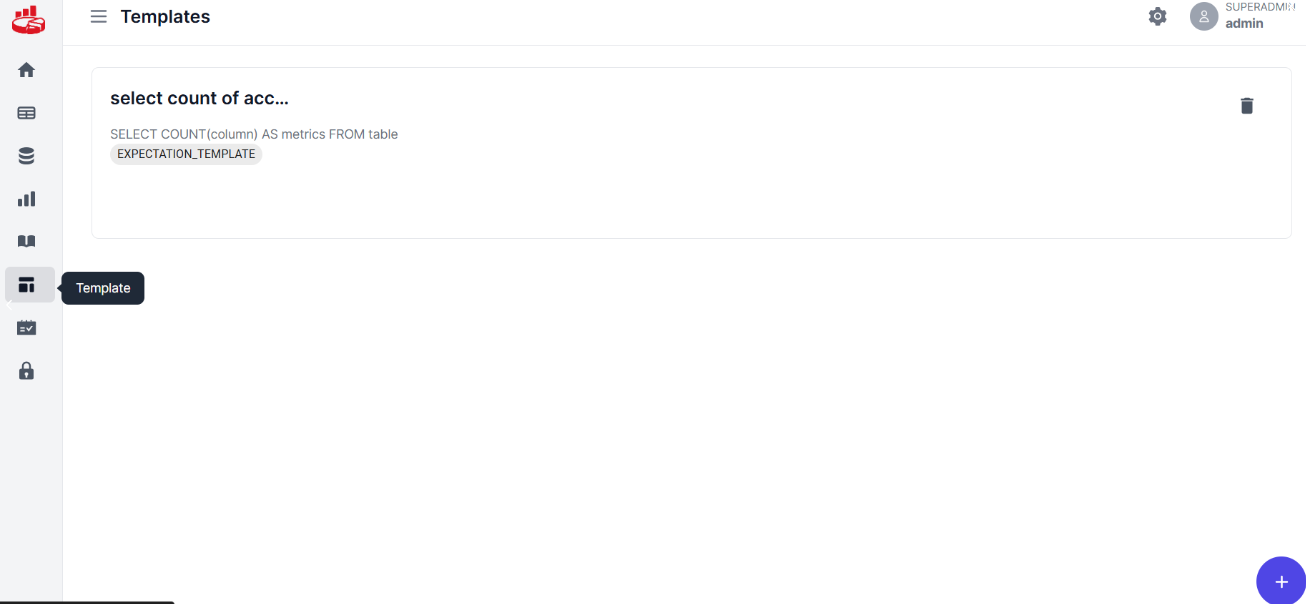
Navigate to Template Tab to Create an Expectation Template
Expectation Template
Click on the + sign at the bottom right corner
Add Expectation statement to generate SQL Query
Select the Template Type as Expectation Template
Check the details once the SQL statement is generated
Click on Submit to Continue